
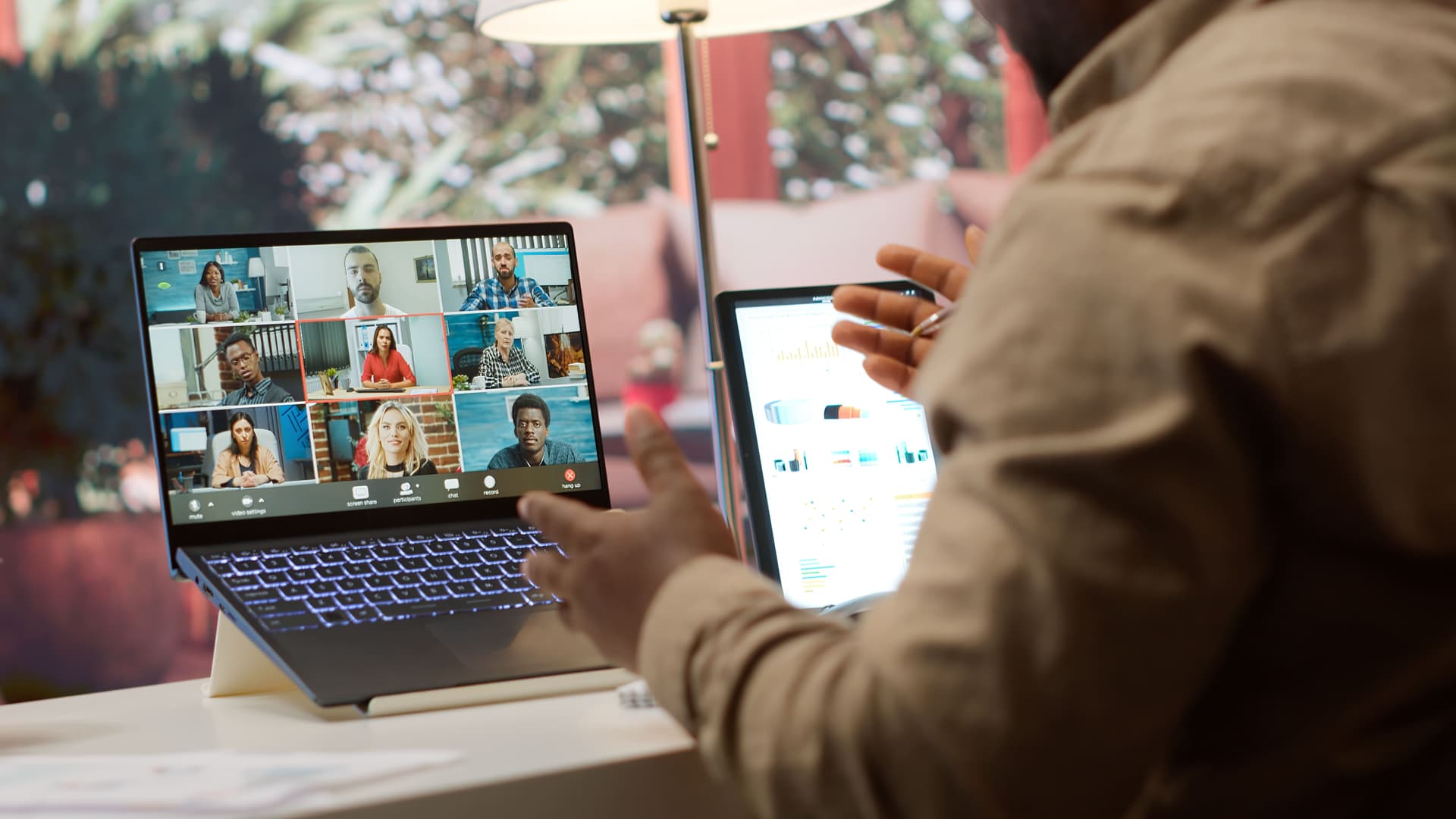
Running an online event used to be enough to make your head spin. You had to handle registration manually, send the Zoom link to people one by one, post reminders in WhatsApp groups, and then scramble when attendees suddenly asked "where's the link?" five minutes before the start.
The problem isn't that you can't do it. It's that the system is a mess. The good news: running an online event doesn't have to look like that anymore. Once you understand the flow and use the right tools, the whole process can be as simple as filling in a form, hitting publish, and boom, your event is ready to go.
1. Decide on Your Event's Goal First, Not the Platform
A lot of people start in the wrong place. They jump straight to asking, "Which platform lets me stream live and sell tickets at the same time?" What you should figure out first is the goal. What is this event actually for?
If the goal is awareness, you need a format that's interactive and shareable.
If the goal is sales, you need to think about your ticket funnel and upsells.
If the goal is education, focus on the learning experience and attendee engagement.
Your goal decides which platform you need, not the other way around. So before you pick Zoom, YouTube, or any ticketing system, sit down for a minute and answer this: "What does success look like for this event?"
2. Plan the Format and Structure
A successful online event isn't the longest one. It's the most structured one. Lay out the run of show with a comfortable rhythm. If it runs a full two hours, make sure there are breaks or moments of interaction. Mix up the format:
A short opening (5 minutes) to set the context and the energy.
The main session (30–45 minutes): focused, relevant, and free of filler.
Q&A or breakouts (15 minutes) so attendees don't just sit there passively.
A closing (5 minutes) with a recap and a follow-up call to action, like a survey or your next event.
And don't forget a tech rehearsal before event day. Not just for speakers, but for the host, the moderator, and even whoever is handling the chat. Digital events don't fail because the idea was bad. They fail because the team wasn't properly prepared.
3. Use One Connected System So You're Not Juggling Tabs
This is the classic mistake: one tab for selling tickets, one for Zoom, another for email reminders, and yet another for the attendee spreadsheet.
If you're still using 4 or 5 separate platforms, you'll lose control. Pick a platform that can handle everything in one flow, such as:
Creating an event page
Selling free or paid tickets
Managing your attendee list
Sending automatic reminders
Exporting reports after the event
You don't have to build all of this from scratch. A system like Nyebar already has it all ready with a simple interface. The bottom line: the fewer tabs you have open, the lower the risk of chaos.
4. Don't Wait Until Tickets Are Ready to Start Promoting
Plenty of organizers wait until everything is polished before they start promoting. That's a costly mistake.
You need to start building awareness early. Kick off with a teaser and let people know something exciting is coming, even if not every detail is locked in yet. Use your personal social media, your communities, and your WhatsApp network. By the time your event page goes live, people are already waiting for it. A few tricks people often forget:
Add an early bird ticket so people have a reason to buy sooner.
Use testimonials or teaser videos from your speakers or team.
Post consistently. Don't blast once and then disappear.
Promotion isn't a sprint. It's a two-week marathon leading up to your event.
5. Talk to Attendees Like Humans
Attendees aren't data. They're people. Don't just send a template email. Send a message that feels personal: "Hi Rafi, thanks for signing up! We can't wait to see you on Saturday."
Use their name, give context, and share the important info without confusing anyone. If something changes, let them know right away. Don't make attendees be the ones who have to ask first.
If your platform can automate reminders and follow-ups by email or WhatsApp, use that. Then you can focus on the content of your event instead of answering messages one at a time.
6. Once the Event Is Over, Don't Move On Right Away
A big mistake many organizers make is vanishing as soon as the event wraps up. But the post-event phase is a golden opportunity to build a loyal audience.
After your event:
Send a thank-you email or a survey form.
Share photos or highlights on social media.
Ask attendees for testimonials, or invite them to your next event.
If your attendee data is well organized, you can invite them to your next event automatically instead of starting from zero. That's the most efficient way to grow a community from one event to the next.
7. The Key: Keep It Simple, but Take It Seriously
One thing to remember: your online event doesn't need to be flashy from day one. What matters is that it's well run and memorable.
You can start small, like a 30-person webinar, a community workshop, or a mini concert. As long as the flow is clear and everything is well managed, people will trust you and come back.
Technology is just a tool. What makes an event memorable is still the people behind it: the idea, the intention, and the execution. If your system helps you focus on those things, you're on the right track.
The Nyebar team believes every idea deserves to become a meaningful experience. We help you run events faster, easier, and more smoothly, from the first idea to the final report.


